
Asset Optimization
Defer, delay and asynchronously load CSS & JavaScript so they stop blocking the first render.
These settings apply to the whole site, so a change here is visible on every page that uses the feature. Find them under Canvas > Performance, in the Asset Optimization tab.
The tab sits in the rail on the left of the screen, with its own panel beside it:
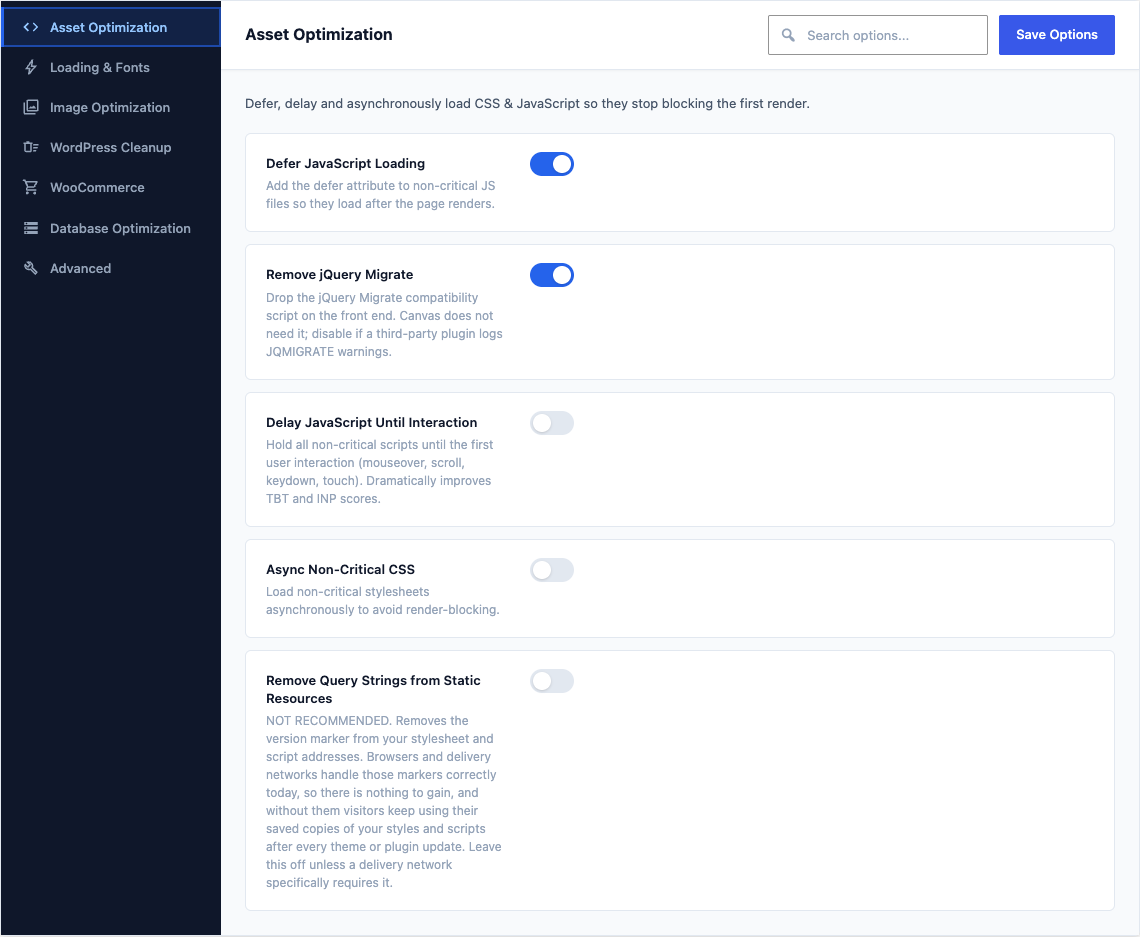
This group holds the following settings:
Defer JavaScript LoadingDefaultOn
Add the defer attribute to non-critical JS files so they load after the page renders.
Remove jQuery MigrateDefaultOff
Drop the jQuery Migrate compatibility script on the front end. Canvas does not need it; disable if a third-party plugin logs JQMIGRATE warnings.
Delay JavaScript Until InteractionDefaultOff
Hold all non-critical scripts until the first user interaction (mouseover, scroll, keydown, touch). Dramatically improves TBT and INP scores.
Delay JS Timeout (seconds)Default
5Fire delayed scripts after this many seconds even without interaction, so analytics still capture low-interaction visitors.
Shown when Delay JavaScript Until Interaction is on
Delay JS ExclusionsDefaultEmpty
Script handles or URL keywords to exclude from delay (one per line). jQuery is always excluded.
Shown when Delay JavaScript Until Interaction is on
Async Non-Critical CSSDefaultOff
Load non-critical stylesheets asynchronously to avoid render-blocking.
Remove Query Strings from Static ResourcesDefaultOff
NOT RECOMMENDED. Removes the version marker from your stylesheet and script addresses. Browsers and delivery networks handle those markers correctly today, so there is nothing to gain, and without them visitors keep using their saved copies of your styles and scripts after every theme or plugin update. Leave this off unless a delivery network specifically requires it.