
WordPress Cleanup
Remove unused WordPress features that add extra HTTP requests or head bloat.
These settings apply to the whole site, so a change here is visible on every page that uses the feature. Find them under Canvas > Performance, in the WordPress Cleanup tab.
The tab sits in the rail on the left of the screen, with its own panel beside it:
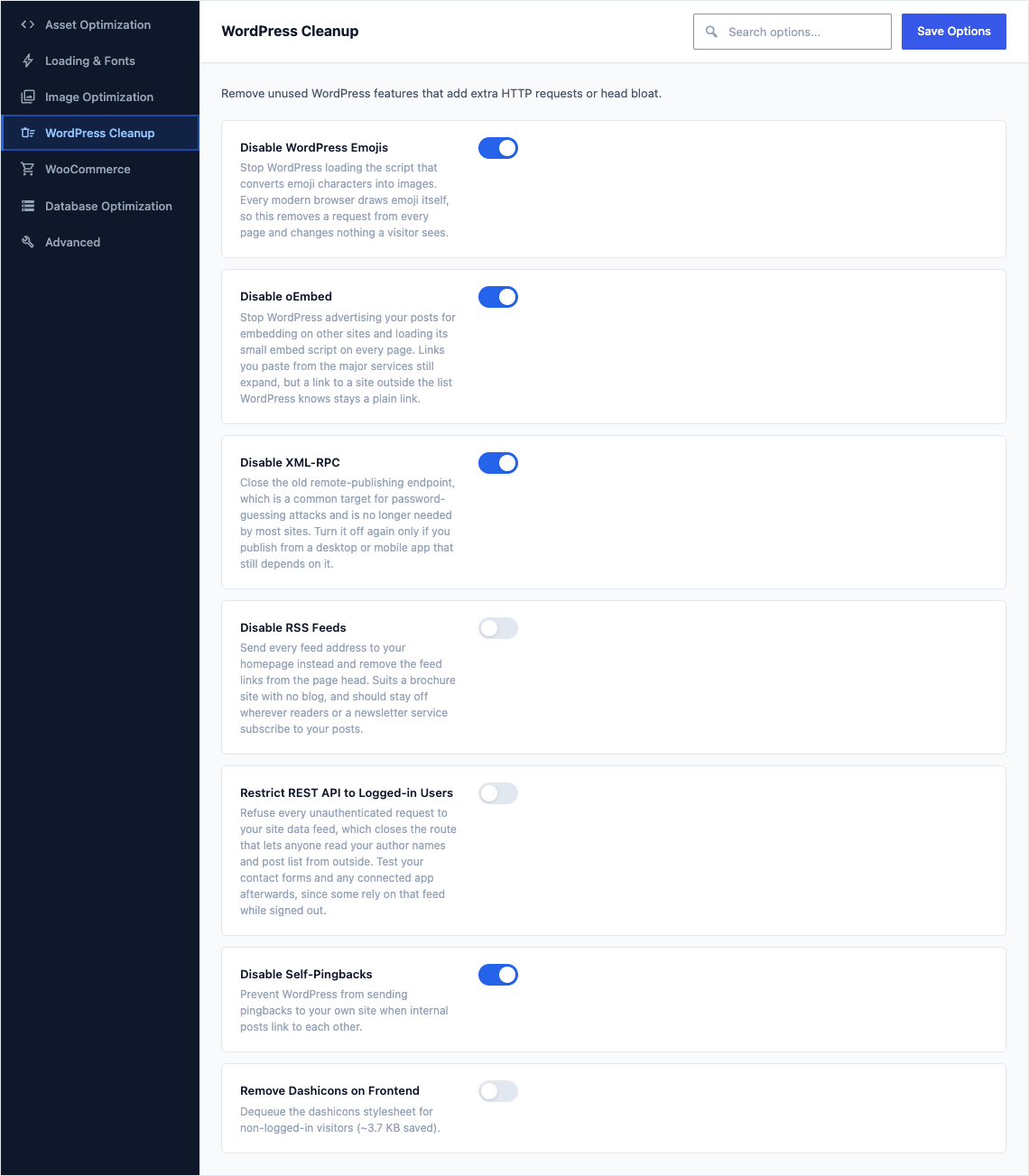
This group holds the following settings:
Disable WordPress EmojisDefaultOn
Stop WordPress loading the script that converts emoji characters into images. Every modern browser draws emoji itself, so this removes a request from every page and changes nothing a visitor sees.
Disable oEmbedDefaultOn
Stop WordPress advertising your posts for embedding on other sites and loading its small embed script on every page. Links you paste from the major services still expand, but a link to a site outside the list WordPress knows stays a plain link.
Disable XML-RPCDefaultOn
Close the old remote-publishing endpoint, which is a common target for password-guessing attacks and is no longer needed by most sites. Turn it off again only if you publish from a desktop or mobile app that still depends on it.
Disable RSS FeedsDefaultOff
Send every feed address to your homepage instead and remove the feed links from the page head. Suits a brochure site with no blog, and should stay off wherever readers or a newsletter service subscribe to your posts.
Restrict REST API to Logged-in UsersDefaultOff
Refuse every unauthenticated request to your site data feed, which closes the route that lets anyone read your author names and post list from outside. Test your contact forms and any connected app afterwards, since some rely on that feed while signed out.
Disable Self-PingbacksDefaultOn
Prevent WordPress from sending pingbacks to your own site when internal posts link to each other.
Remove Dashicons on FrontendDefaultOff
Dequeue the dashicons stylesheet for non-logged-in visitors (~3.7 KB saved).