
Database Optimization
Limit auto-saves and post revisions, manage the WordPress heartbeat, and schedule cleanup tasks.
These settings apply to the whole site, so a change here is visible on every page that uses the feature. Find them under Canvas > Performance, in the Database Optimization tab.
The tab sits in the rail on the left of the screen, with its own panel beside it:
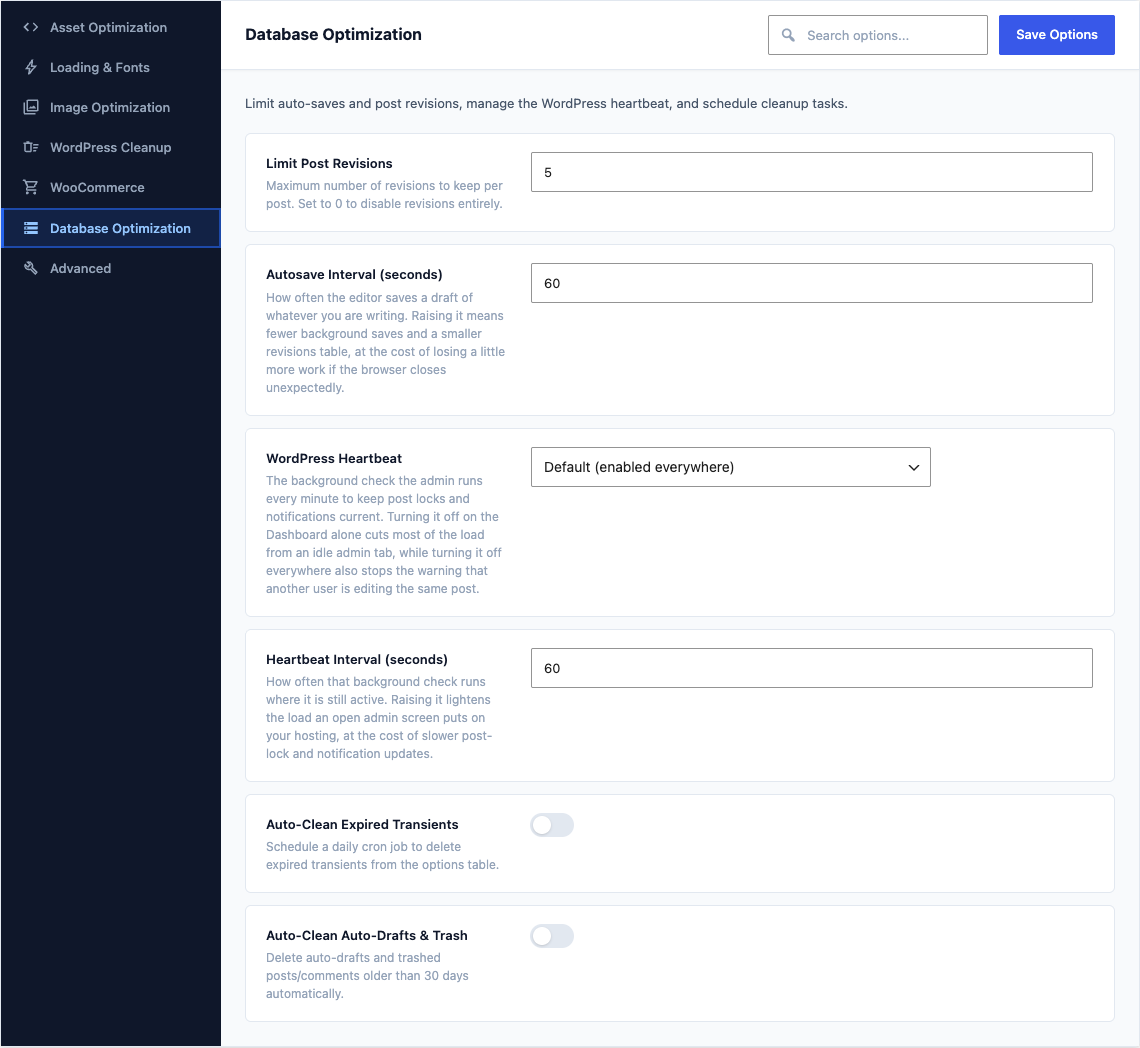
This group holds the following settings:
Limit Post RevisionsDefault
5Maximum number of revisions to keep per post. Set to 0 to disable revisions entirely.
Autosave Interval (seconds)Default
60How often the editor saves a draft of whatever you are writing. Raising it means fewer background saves and a smaller revisions table, at the cost of losing a little more work if the browser closes unexpectedly.
WordPress HeartbeatDefaultDefault (enabled everywhere)
The background check the admin runs every minute to keep post locks and notifications current. Turning it off on the Dashboard alone cuts most of the load from an idle admin tab, while turning it off everywhere also stops the warning that another user is editing the same post.
ChoicesDefault (enabled everywhere)Disable on Dashboard onlyDisable everywhere
Heartbeat Interval (seconds)Default
60How often that background check runs where it is still active. Raising it lightens the load an open admin screen puts on your hosting, at the cost of slower post-lock and notification updates.
Shown when WordPress Heartbeat is "Default (enabled everywhere)" or "Disable on Dashboard only"
Auto-Clean Expired TransientsDefaultOff
Schedule a daily cron job to delete expired transients from the options table.
Auto-Clean Auto-Drafts & TrashDefaultOff
Delete auto-drafts and trashed posts/comments older than 30 days automatically.