
Robots & Indexing
Control which archive and system pages are marked noindex to keep crawl budget focused on important content.
These settings apply to the whole site, so a change here is visible on every page that uses the feature. Find them under Canvas > Seo, in the Robots & Indexing tab.
The tab sits in the rail on the left of the screen, with its own panel beside it:
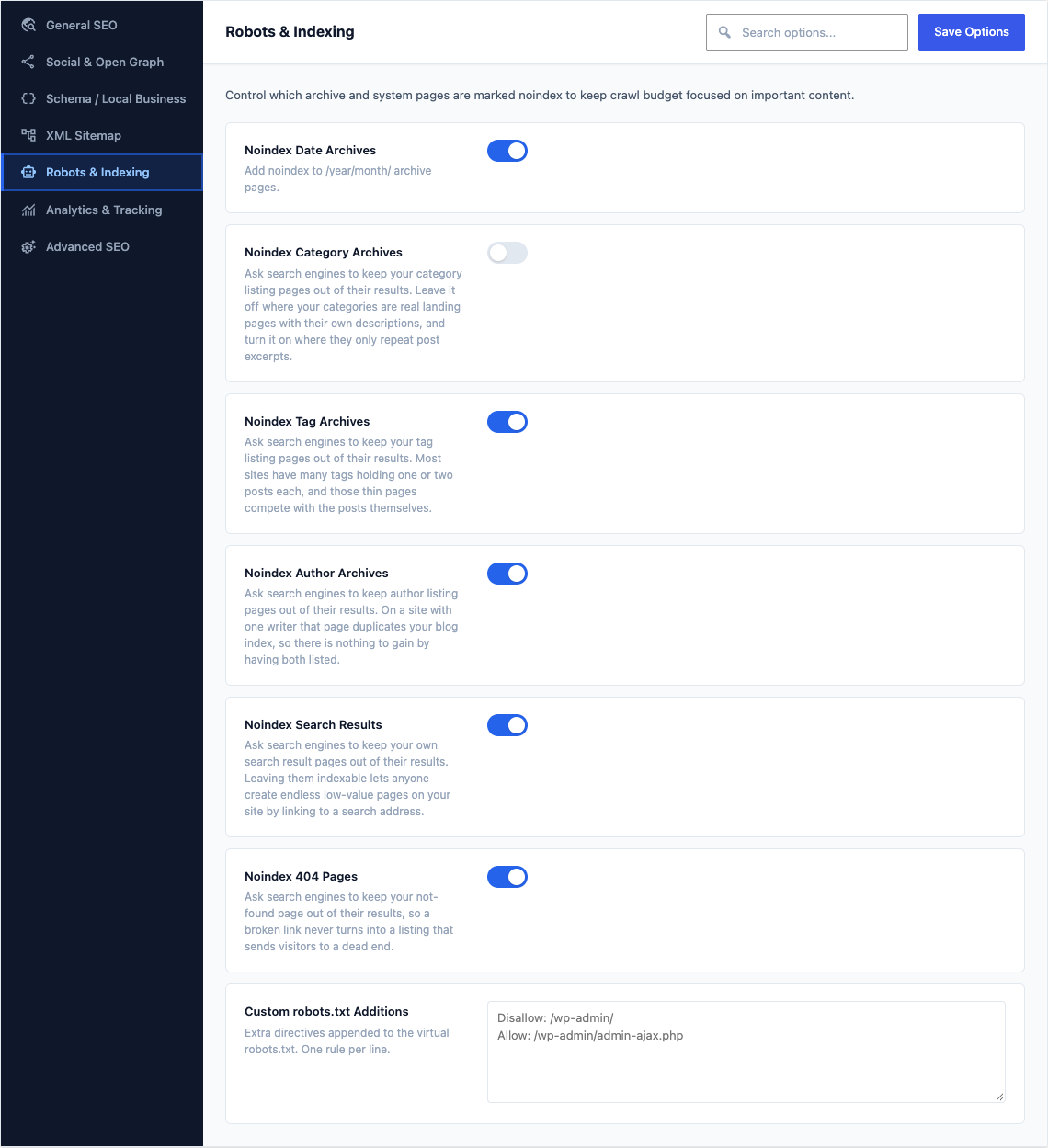
This group holds the following settings:
Noindex Date ArchivesDefaultOn
Add noindex to /year/month/ archive pages.
Noindex Category ArchivesDefaultOff
Ask search engines to keep your category listing pages out of their results. Leave it off where your categories are real landing pages with their own descriptions, and turn it on where they only repeat post excerpts.
Noindex Tag ArchivesDefaultOn
Ask search engines to keep your tag listing pages out of their results. Most sites have many tags holding one or two posts each, and those thin pages compete with the posts themselves.
Noindex Author ArchivesDefaultOn
Ask search engines to keep author listing pages out of their results. On a site with one writer that page duplicates your blog index, so there is nothing to gain by having both listed.
Noindex Search ResultsDefaultOn
Ask search engines to keep your own search result pages out of their results. Leaving them indexable lets anyone create endless low-value pages on your site by linking to a search address.
Noindex 404 PagesDefaultOn
Ask search engines to keep your not-found page out of their results, so a broken link never turns into a listing that sends visitors to a dead end.
Custom robots.txt AdditionsDefaultEmpty
Extra directives appended to the virtual robots.txt. One rule per line.