
XML Sitemap
Configure the auto-generated sitemap at /sitemap.xml. Leave enabled to help search engines discover your content.
These settings apply to the whole site, so a change here is visible on every page that uses the feature. Find them under Canvas > Seo, in the XML Sitemap tab.
The tab sits in the rail on the left of the screen, with its own panel beside it:
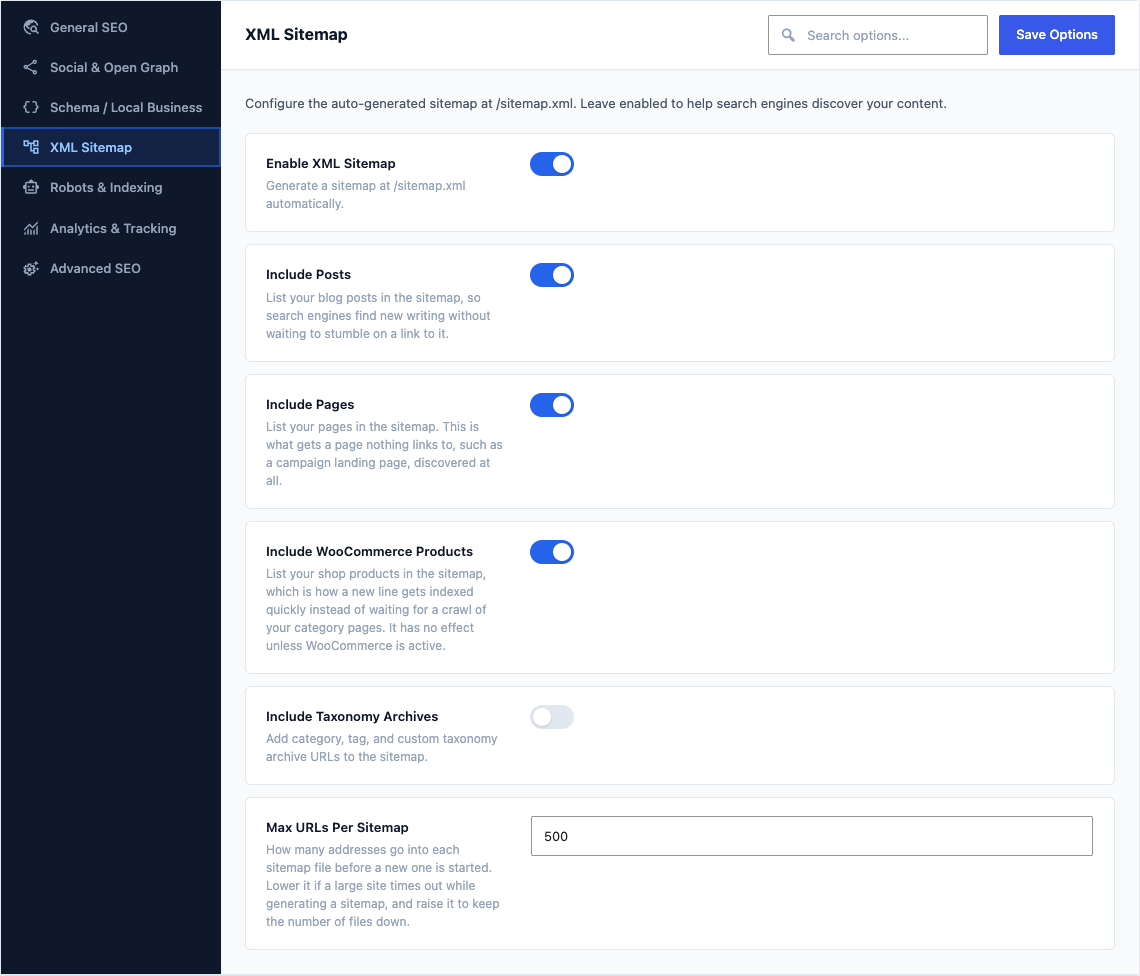
This group holds the following settings:
Enable XML SitemapDefaultOn
Generate a sitemap at /sitemap.xml automatically.
Include PostsDefaultOn
List your blog posts in the sitemap, so search engines find new writing without waiting to stumble on a link to it.
Include PagesDefaultOn
List your pages in the sitemap. This is what gets a page nothing links to, such as a campaign landing page, discovered at all.
Include WooCommerce ProductsDefaultOn
List your shop products in the sitemap, which is how a new line gets indexed quickly instead of waiting for a crawl of your category pages. It has no effect unless WooCommerce is active.
Include Taxonomy ArchivesDefaultOff
Add category, tag, and custom taxonomy archive URLs to the sitemap.
Max URLs Per SitemapDefault
500How many addresses go into each sitemap file before a new one is started. Lower it if a large site times out while generating a sitemap, and raise it to keep the number of files down.