
API Keys
Configure third-party API credentials for theme integrations.
These settings apply to the whole site, so a change here is visible on every page that uses the feature. Find them under Canvas > Theme Options, in the API Keys tab.
The tab sits in the rail on the left of the screen, with its own panel beside it:
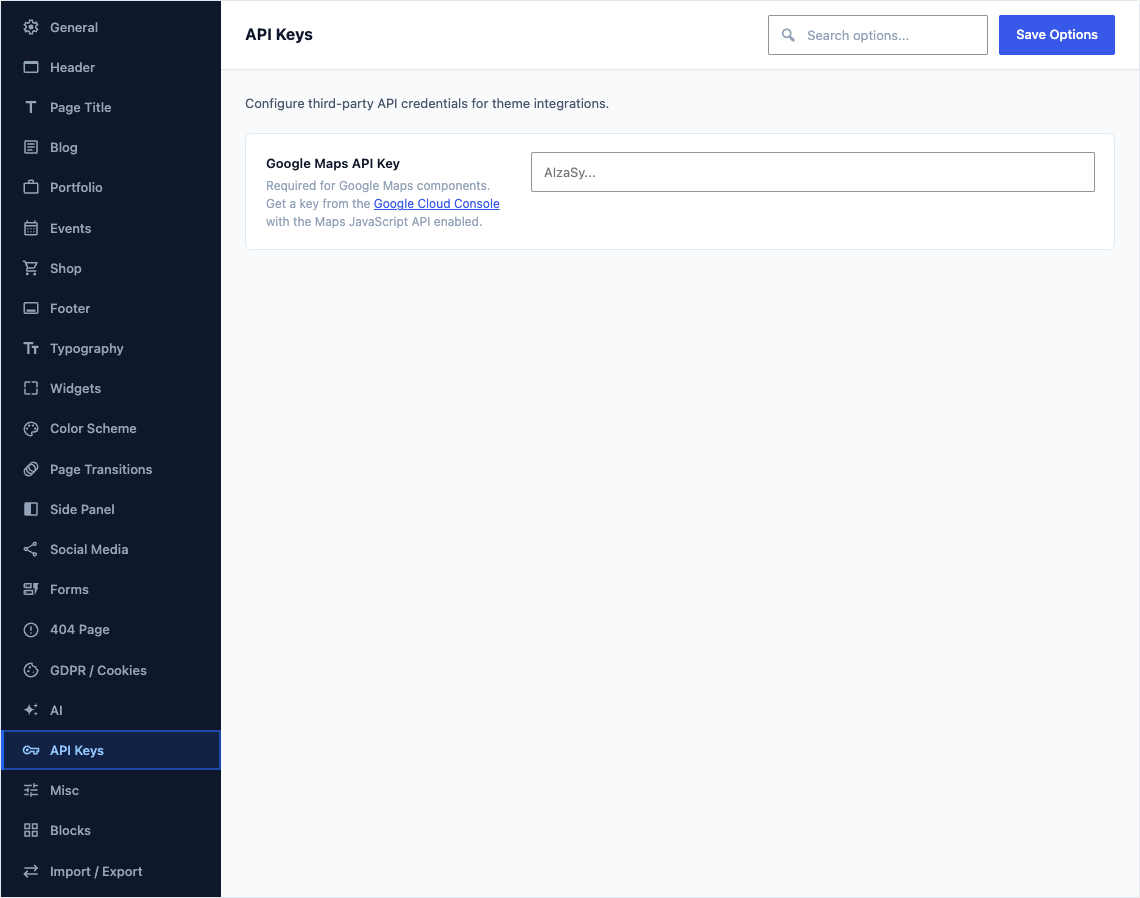
This group holds the following settings:
Map ProviderDefaultGoogle Maps
The service that draws Map blocks set to follow Theme Options. OpenStreetMap needs no API key and places each map and marker by its latitude and longitude; it does not look addresses up, so a map with only an address stays empty.
ChoicesGoogle MapsOpenStreetMap
Google Maps API KeyDefaultEmpty
Required for Google Maps components. Get a key from the Google Cloud Console with the Maps JavaScript API enabled.