
General
General theme settings and configuration.
These settings apply to the whole site, so a change here is visible on every page that uses the feature. Find them under Canvas > Theme Options, in the General tab.
The tab sits in the rail on the left of the screen, with its own panel beside it:
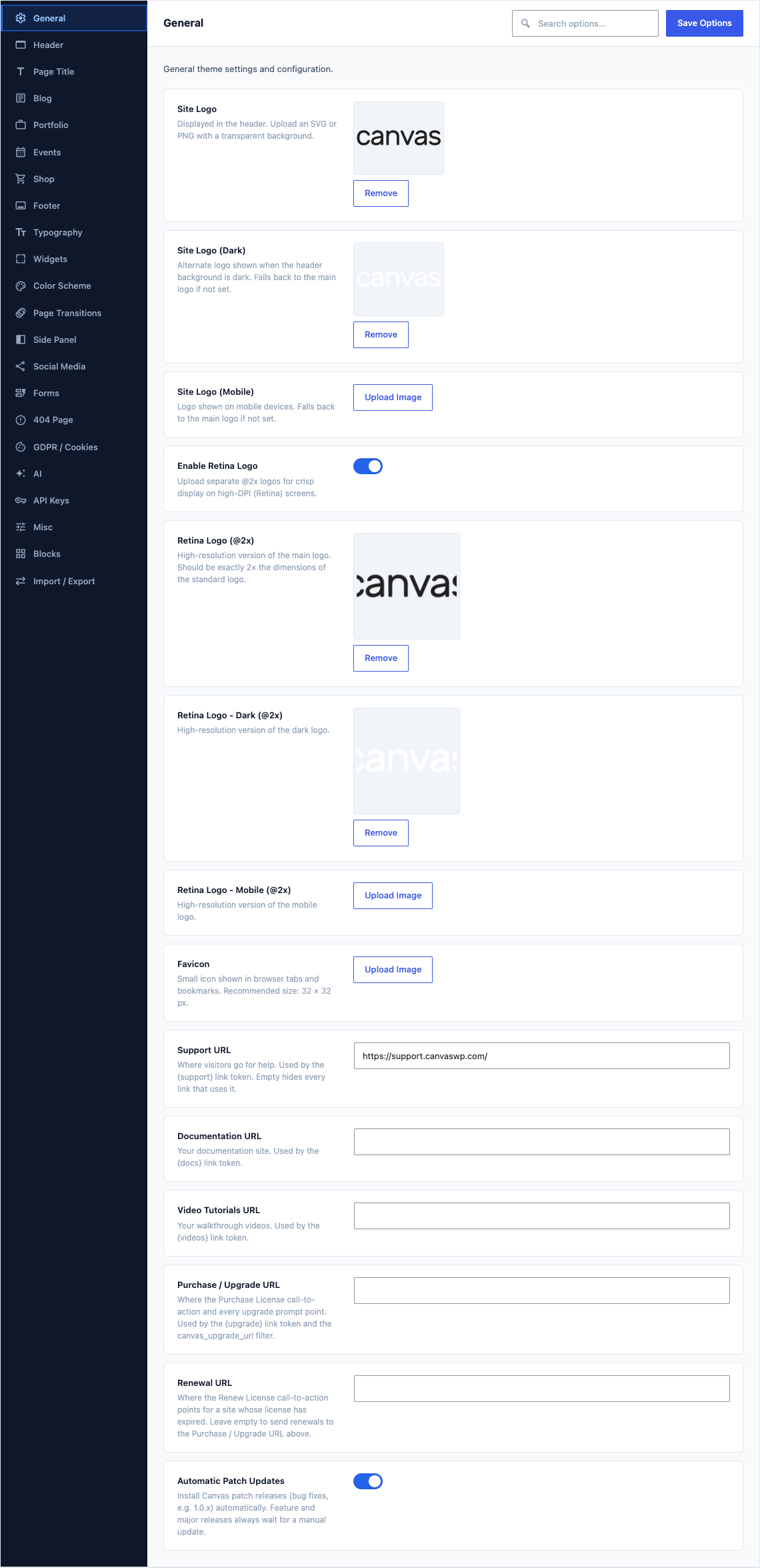
This group holds the following settings:
Site LogoDefaultEmpty
Displayed in the header. Upload an SVG or PNG with a transparent background.
Site Logo (Dark)DefaultEmpty
Alternate logo shown when the header background is dark. Falls back to the main logo if not set.
Site Logo (Mobile)DefaultEmpty
Logo shown on mobile devices. Falls back to the main logo if not set.
Enable Retina LogoDefaultOff
Upload separate @2x logos for crisp display on high-DPI (Retina) screens.
Retina Logo (@2x)DefaultEmpty
High-resolution version of the main logo. Should be exactly 2× the dimensions of the standard logo.
Shown when Enable Retina Logo is on
Retina Logo - Dark (@2x)DefaultEmpty
High-resolution version of the dark logo.
Shown when Enable Retina Logo is on
Retina Logo - Mobile (@2x)DefaultEmpty
High-resolution version of the mobile logo.
Shown when Enable Retina Logo is on
FaviconDefaultEmpty
Small icon shown in browser tabs and bookmarks. Recommended size: 32 × 32 px.
Support URLDefaultEmpty
Where visitors go for help. Used by the {support} link token. Empty hides every link that uses it.
Documentation URLDefaultEmpty
Your documentation site. Used by the {docs} link token.
Video Tutorials URLDefaultEmpty
Your walkthrough videos. Used by the {videos} link token.
Purchase / Upgrade URLDefaultEmpty
Where the Purchase License call-to-action and every upgrade prompt point. Used by the {upgrade} link token and the canvas_upgrade_url filter.
Renewal URLDefaultEmpty
Where the Renew License call-to-action points for a site whose license has expired. Leave empty to send renewals to the Purchase / Upgrade URL above.
Automatic Patch UpdatesDefaultOn
Install Canvas patch releases (bug fixes, e.g. 1.0.x) automatically. Feature and major releases always wait for a manual update.