
Permalinks
The URL segment each Canvas content type and its categories use. Every segment must be different: a repeated one falls back to its default. Links that used an earlier segment redirect to the new address. Post, page and shop addresses are set under Settings > Permalinks.
These settings apply to the whole site, so a change here is visible on every page that uses the feature. Find them under Canvas > Theme Options, in the Permalinks tab.
The tab sits in the rail on the left of the screen, with its own panel beside it:
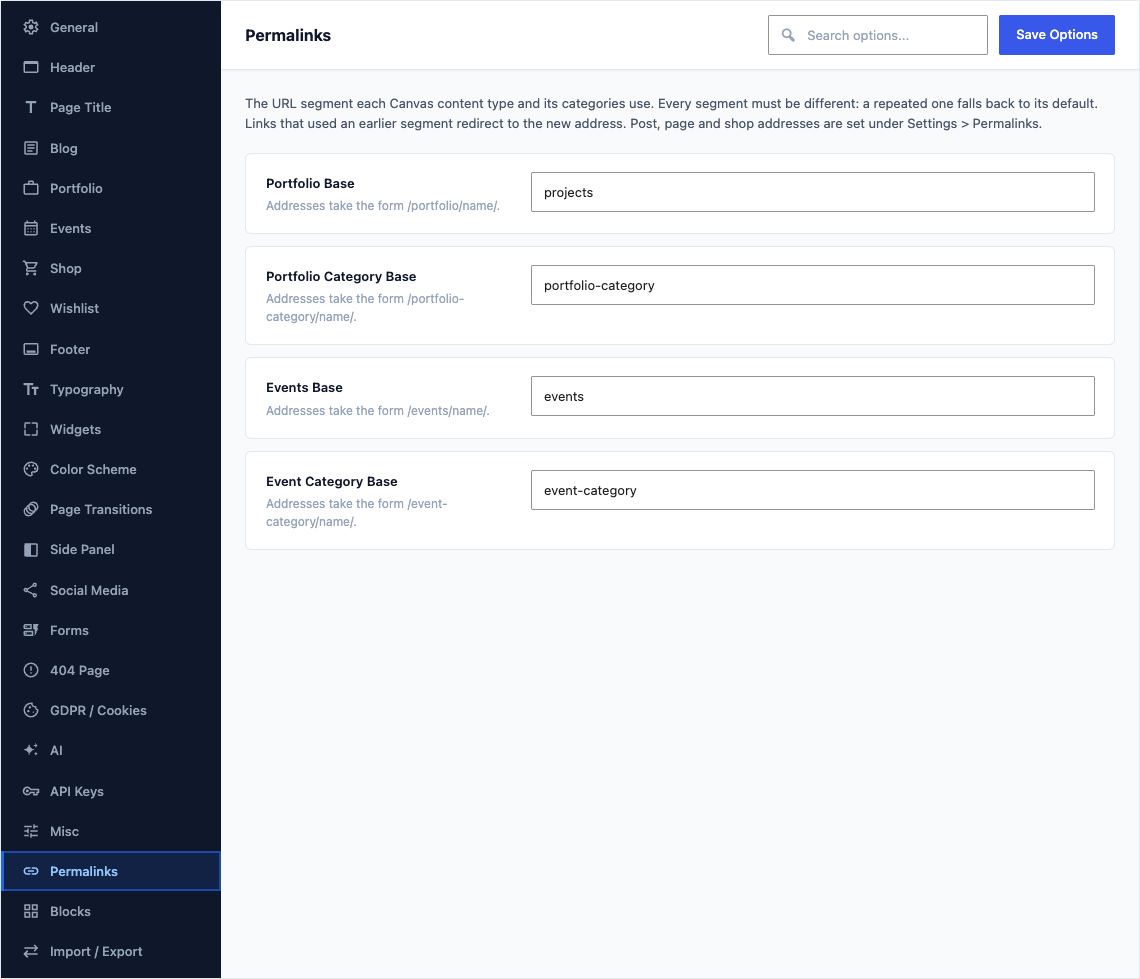
This group holds the following settings:
Portfolio BaseDefault
portfolioAddresses take the form /portfolio/name/.
Portfolio Category BaseDefault
portfolio-categoryAddresses take the form /portfolio-category/name/.
Events BaseDefault
eventsAddresses take the form /events/name/.
Event Category BaseDefault
event-categoryAddresses take the form /event-category/name/.