
Social Media
Social media links and settings.
These settings apply to the whole site, so a change here is visible on every page that uses the feature. Find them under Canvas > Theme Options, in the Social Media tab.
The tab sits in the rail on the left of the screen, with its own panel beside it:
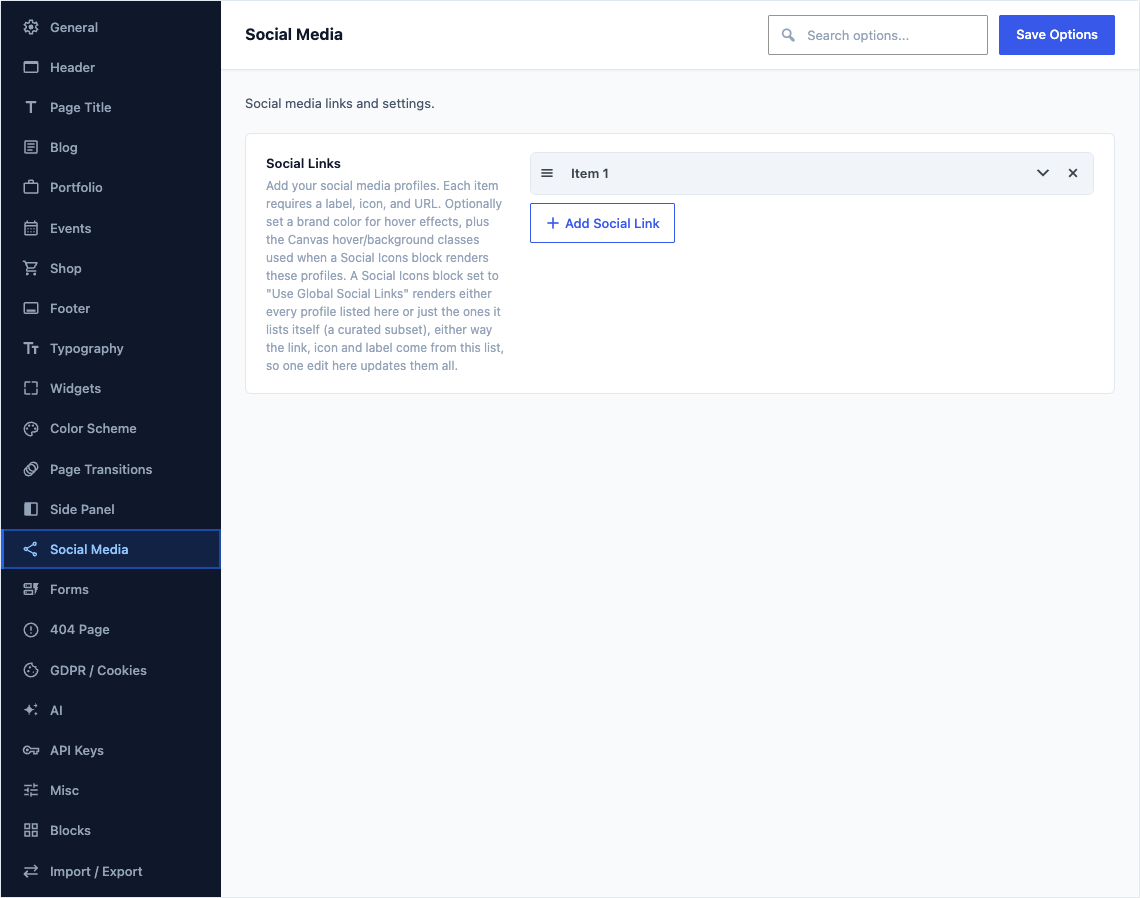
This group holds the following settings:
Social LinksDefaulta preset list of 6 rows
Add your social media profiles. Each item requires a label, icon, and URL. Optionally set a brand color for hover effects, plus the Canvas hover/background classes used when a Social Icons block renders these profiles. A Social Icons block set to "Use Global Social Links" renders either every profile listed here or just the ones it lists itself (a curated subset), either way the link, icon and label come from this list, so one edit here updates them all.